
Windows apps by Muharrik Albarmajyat
Five native Windows apps for your folders, files, desktop and windows: Folder Colors, Folder Icon Pro, File Engine, WidgetNest and Sashwork. Each has a free trial on the Microsoft Store, no ads and no account.
- Works offline
- No ads
- No account
- No tracking
Folder Colors
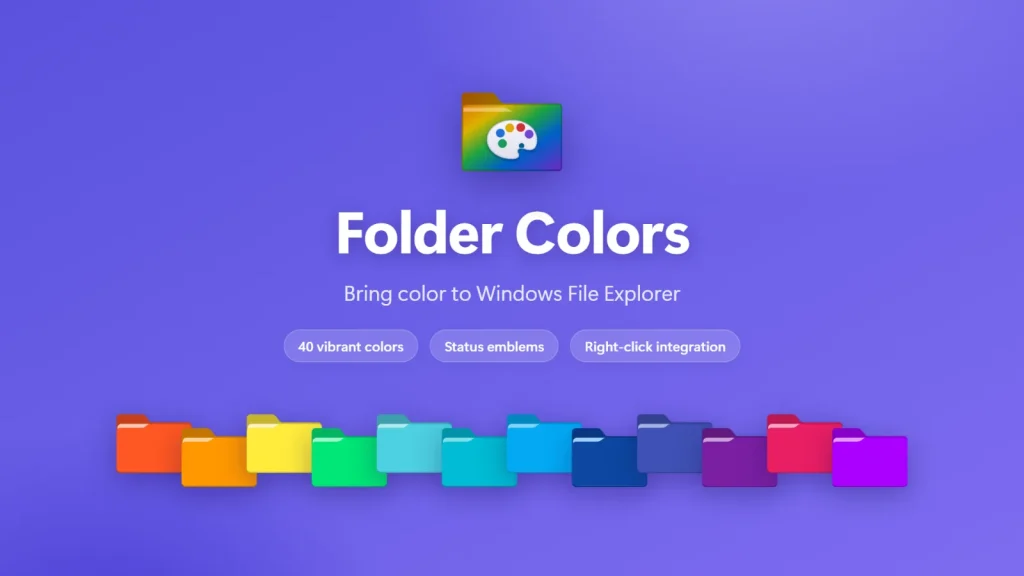
Folder Colors is a Windows 11 and Windows 10 app that colors folders in File Explorer from the right-click menu, so you can tell them apart at a glance.
- Pick from 40 colors or create any shade with a hex code
- Four status emblems to mark progress
- Color many folders, or a whole tree with Apply to subfolders
- My Colored Folders page to verify and repair icons
| Platform | Windows 11, and Windows 10 version 1809+ |
|---|---|
| Languages | 51, including right-to-left |
| Price | US$14.99 (US store), free trial |

Folder Icon Pro
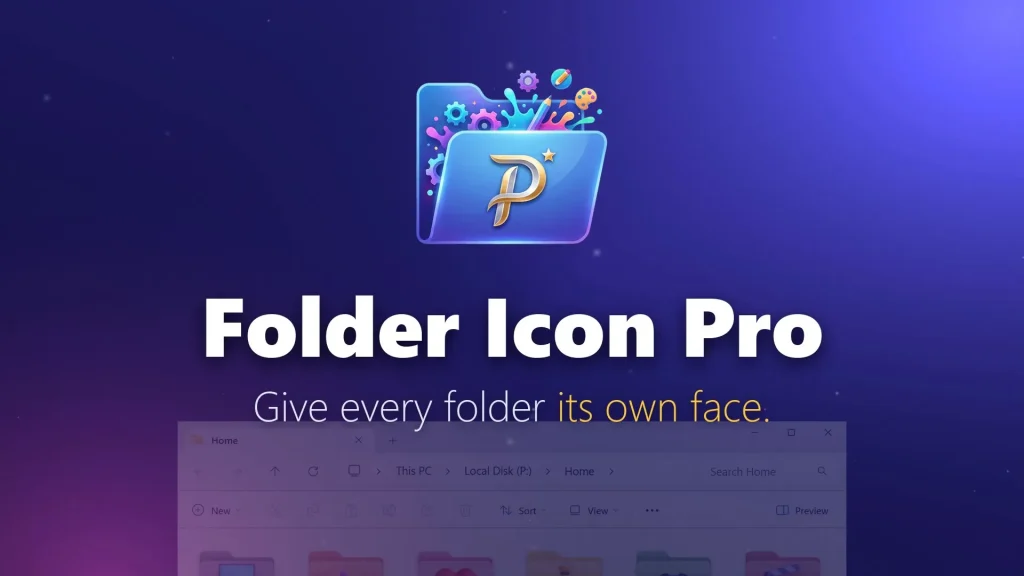
Folder Icon Pro is a Windows 11 and Windows 10 app that turns images such as PNG, JPG, SVG and HEIC into folder icons you pick from the File Explorer right-click menu.
- Change a folder icon in one click, with no app to open
- Create new folders that already have an icon
- Edit icons with text, zoom and rotation, then restore defaults any time
- Back up all icons and assignments to one file
| Platform | Windows 11, and Windows 10 version 1809+ |
|---|---|
| Languages | 16 |
| Price | US$14.99 (US store), free trial |
File Engine
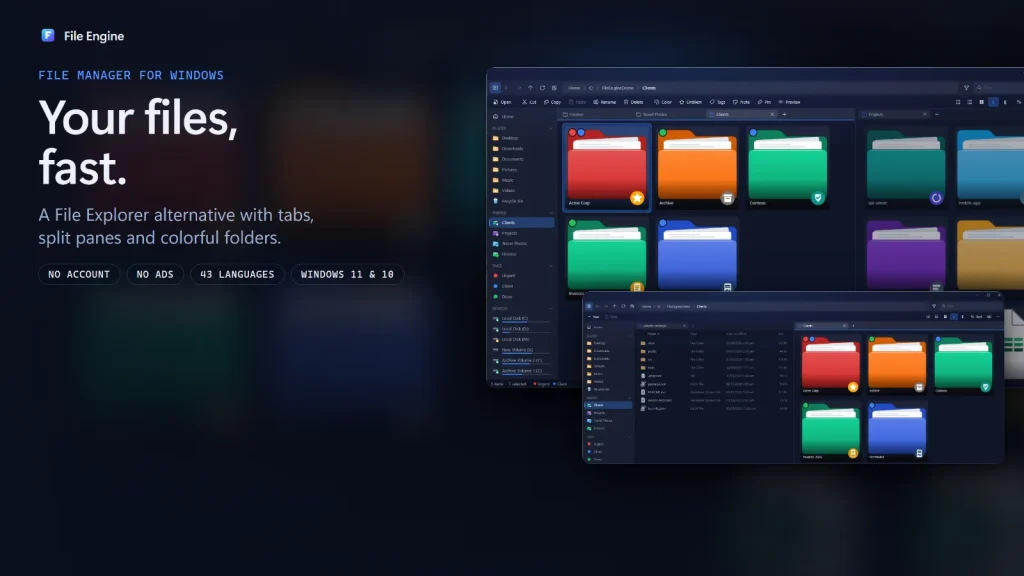
File Engine is a File Explorer alternative for Windows 11 and Windows 10 with tabs, split view, instant search and a Quick Look preview.
- Tabs, and split view with up to four panes
- Ctrl+P Quick Open and instant search as you type
- Quick Look preview with the Space bar
- ZIP, 7z, RAR and TAR archives open like folders, plus folder colors and tags
| Platform | Windows 11, and Windows 10 version 1809+ |
|---|---|
| Languages | 43 (interface) |
| Price | US$14.99 (US store), free trial |
WidgetNest
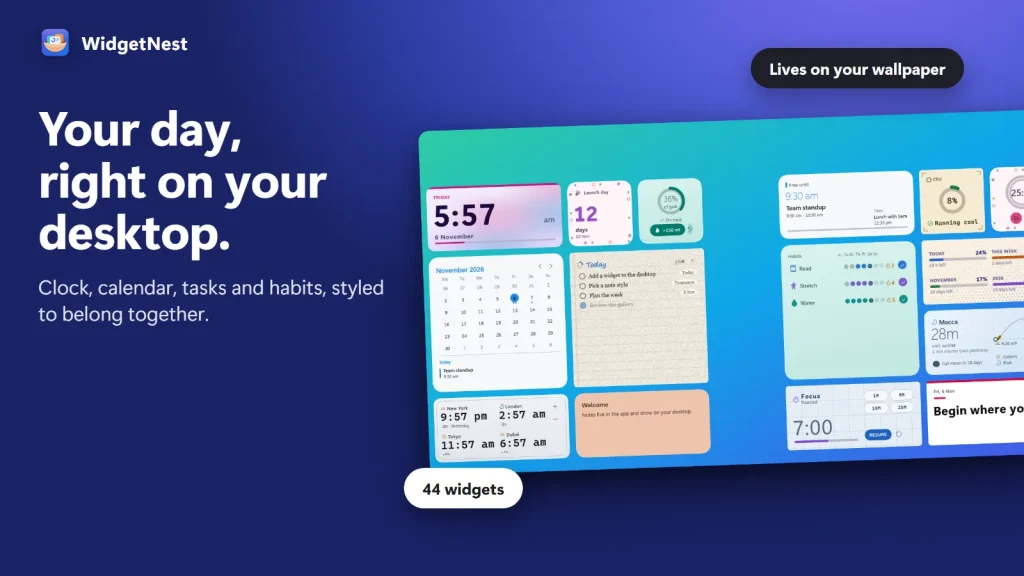
WidgetNest is a Windows 11 and Windows 10 app that places 44 themed widgets, such as a clock, calendar, todo list and system monitors, directly on your desktop.
- 44 widgets: clock, calendar, todo, habits, timers and system monitors
- 18 themes with schedules, plus per-widget looks
- Match a Picture builds a theme from your wallpaper
- Theme Studio with live preview, and backups
| Platform | Windows 11, and Windows 10 version 1809+ |
|---|---|
| Languages | 43, with right-to-left support |
| Price | US$9.99 one-time (US store), free trial |
Sashwork
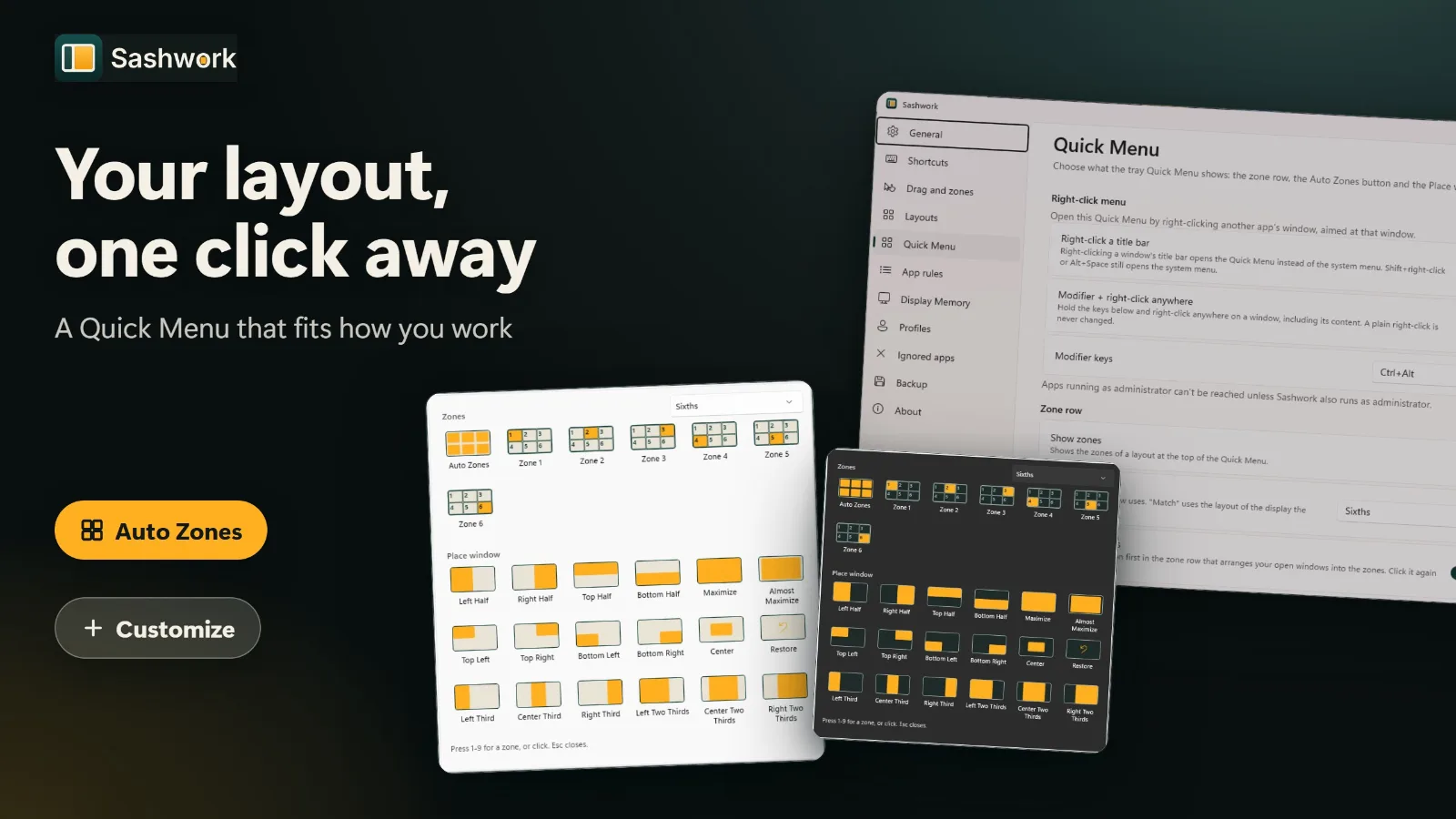
Sashwork is a Windows 11 window manager that snaps windows into halves, quarters, thirds, sixths and ultrawide columns, with custom zones and Auto Zones, from a shortcut, a drag or a right-click.
- Halves, quarters, thirds, sixths and ultrawide columns
- Custom zone layouts (up to 32 zones) and one-click Auto Zones
- Quick Menu, drag-to-zone and a right-click menu
- Display Memory, app rules and profiles for multi-monitor setups
| Platform | Windows 11 only |
|---|---|
| Languages | 22, with right-to-left Arabic |
| Price | US$4.99 one-time (US store), free trial |
Which one is right for you?
Pick by the job you want done. The apps do not overlap much, except that both Folder Colors and File Engine can color folders.
| Folder Colors | Folder Icon Pro | File Engine | WidgetNest | Sashwork | |
|---|---|---|---|---|---|
| What it does | Colors folders | Image as folder icon | Tabbed file manager | Desktop widgets | Snaps and arranges windows |
| Where you use it | File Explorer right-click menu | File Explorer right-click menu | Its own window | Your desktop | Shortcuts, drag, right-click and tray |
| Best for | Color-coding projects | Logos, photos, custom art | Daily file work | Clock, todo, habits, monitors | Multi-window work, wide and multiple screens |
| Folder colors | Yes: 40 plus custom | Via custom icons | Yes, inside File Engine | — | — |
| Languages | 51 | 16 | 43 | 43 | 22 |
| Price (US store) | US$14.99 | US$14.99 | US$14.99 | US$9.99 | US$4.99 |
| Free trial | Yes | Yes | Yes | Yes | Yes |
Folder Colors colors folders in Windows File Explorer itself. File Engine is a separate file manager with its own folder colors and tags, so the two can be used together. Prices are US store prices and vary by region.