

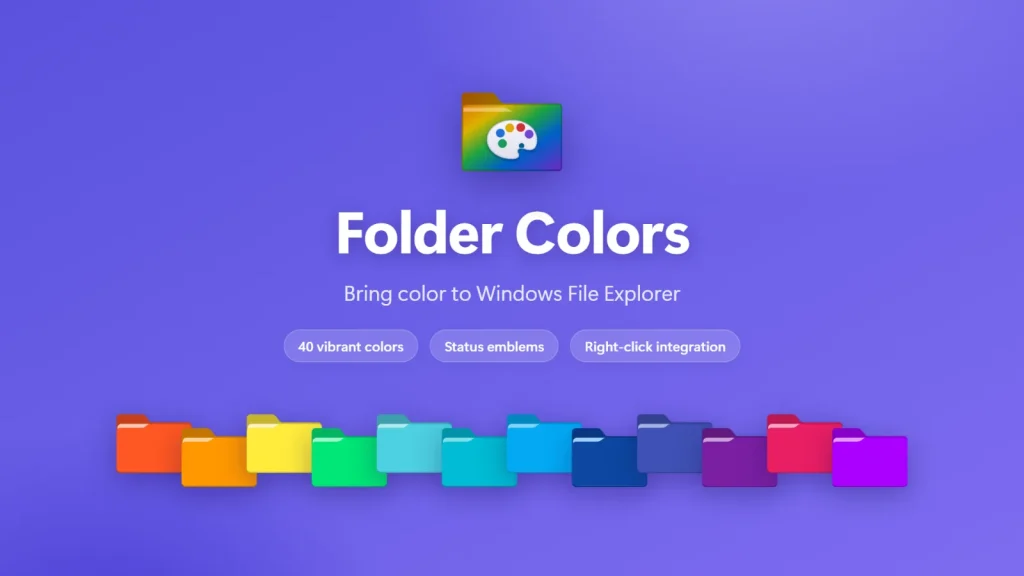
Folder Colors
Color-code folders in Windows File Explorer from the right-click menu.
- 40 built-in colors plus custom shades
- Emblems, multi-select and subfolders
- 51 languages, including right-to-left
US$14.99 + free trial
Muharrik Albarmajyat makes four native Windows apps: Folder Colors colors your folders, Folder Icon Pro turns any image into a folder icon, File Engine is a tabbed file manager, and WidgetNest puts themed widgets on your desktop. Each one is sold on the Microsoft Store with a free trial.
Every app has one clear job, a native Windows interface and a free trial, so you can try it before you pay.
Color-code folders in Windows File Explorer from the right-click menu.
US$14.99 + free trial

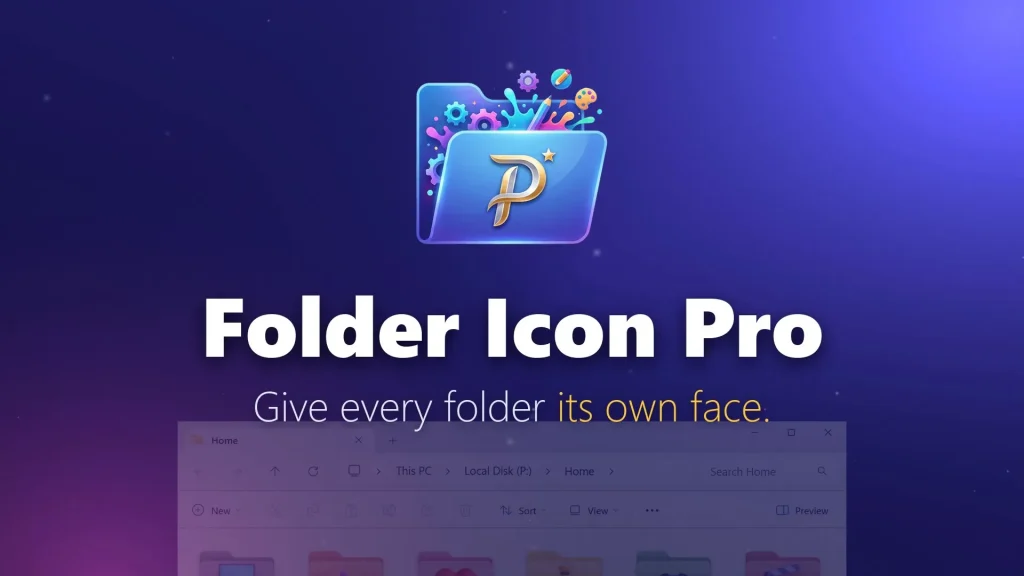
Turn any image into a folder icon from the File Explorer right-click menu.
US$14.99 + free trial
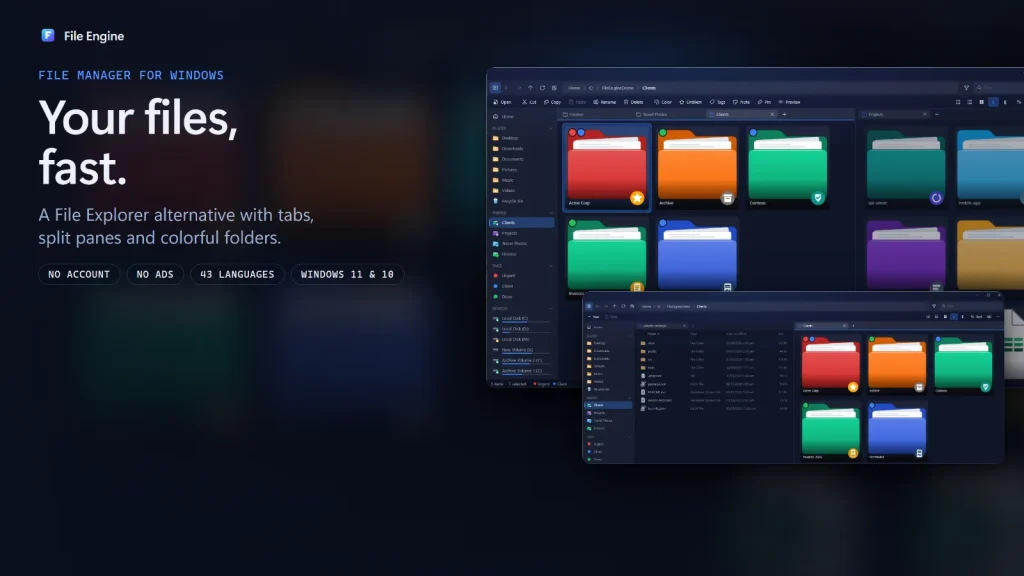
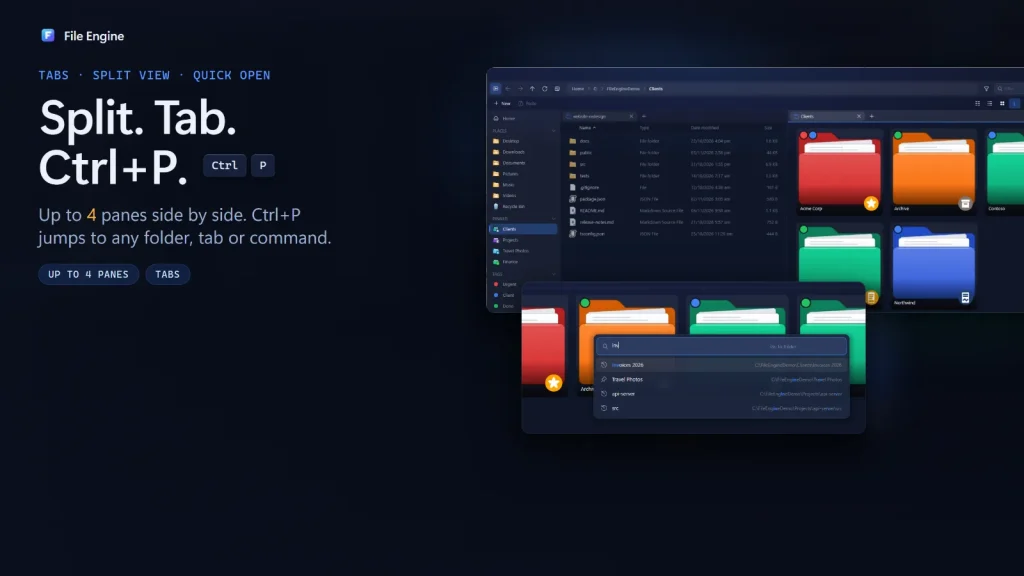
A tabbed file manager with split view, instant search and Quick Look.
US$14.99 + free trial
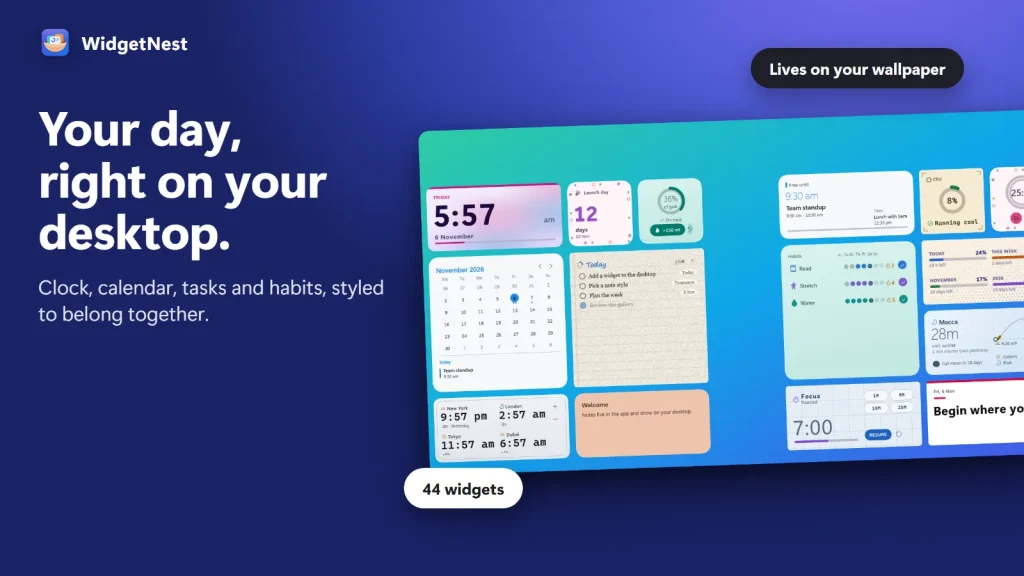
44 themed desktop widgets that match your wallpaper.
US$9.99 one-time + free trial
Start from what you want to do. Most people only need one, and the apps work side by side.
| If you want to… | Get |
|---|---|
| Organize and browse files with tabs, split view, search and archives | File Engine |
| Put a clock, calendar, todo list or system monitors on your desktop | WidgetNest |
| Color-code folders from the right-click menu | Folder Colors |
| Use an image, logo or photo as a folder icon | Folder Icon Pro |
Folder Colors and Folder Icon Pro change how folders look in Windows File Explorer. File Engine is a separate file manager with its own folder colors and tags. Compare them in detail on the Apps page.
Every app does its job on your PC, without an internet connection.
No banners, no upsell pop-ups, no sponsored content in any app.
Nothing to sign up for. Microsoft Store sign-in is only for installing and licensing.
No analytics on your files, folders or habits.
Native Windows apps that start fast and stay light on memory.
A clear price on the Microsoft Store, with a free trial to test each app first.
* Our apps work offline — the only online feature is WidgetNest’s optional Weather widget, which is off until you turn it on.
Step-by-step guides on organizing folders, changing folder colors and icons, managing files faster and setting up desktop widgets, written by the people who build the apps.
Muharrik Albarmajyat Establishment is a small software studio in Riyadh, Saudi Arabia. We design, build and support our Windows apps ourselves, and a real person answers every support email. More about us or get support.
All four apps have a free trial. Pick the one that fits, or look at them side by side.